Smart Lock Manufacturer Direct Fingerprint Unlock

OEM & ODM Smart Lock

1. Smart Lock OEM: Color, Logo, Package, etc.
2. Smart Lock ODM: Unlock Methods, Product Appearance
3. Smart Lock Materials: Aluminum alloy, zinc alloy, 304 stainless steel, and others
4. Yolock’s Smart Lock: 20+ years of experience, advanced equipment, work with top suppliers, strict quality control, rich experience in brand research and development
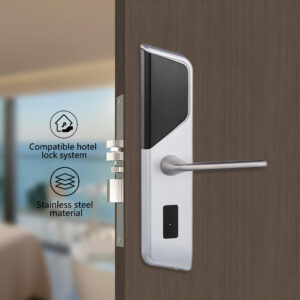
5. More product supply: Hotel smart lock and relevant high-quality smart products

Products Introduction

Product Parameter

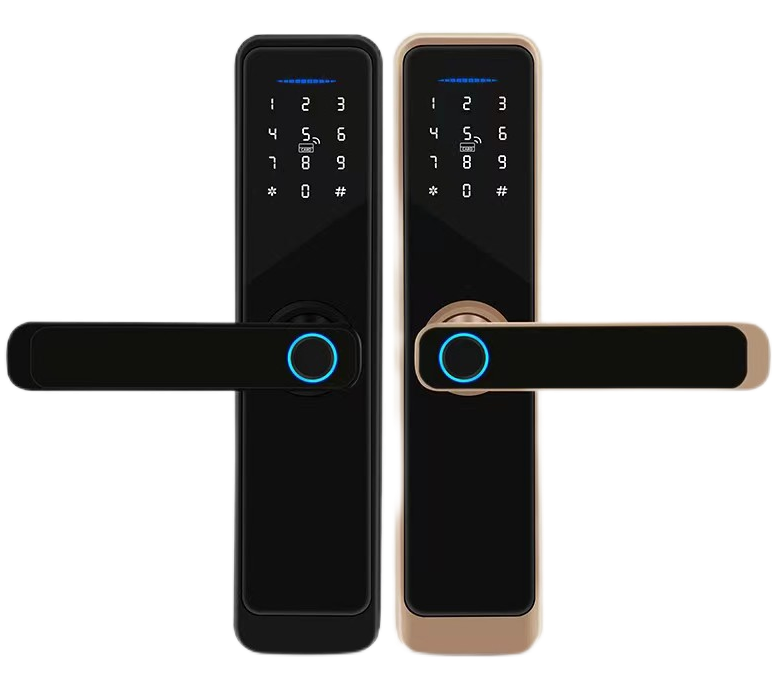
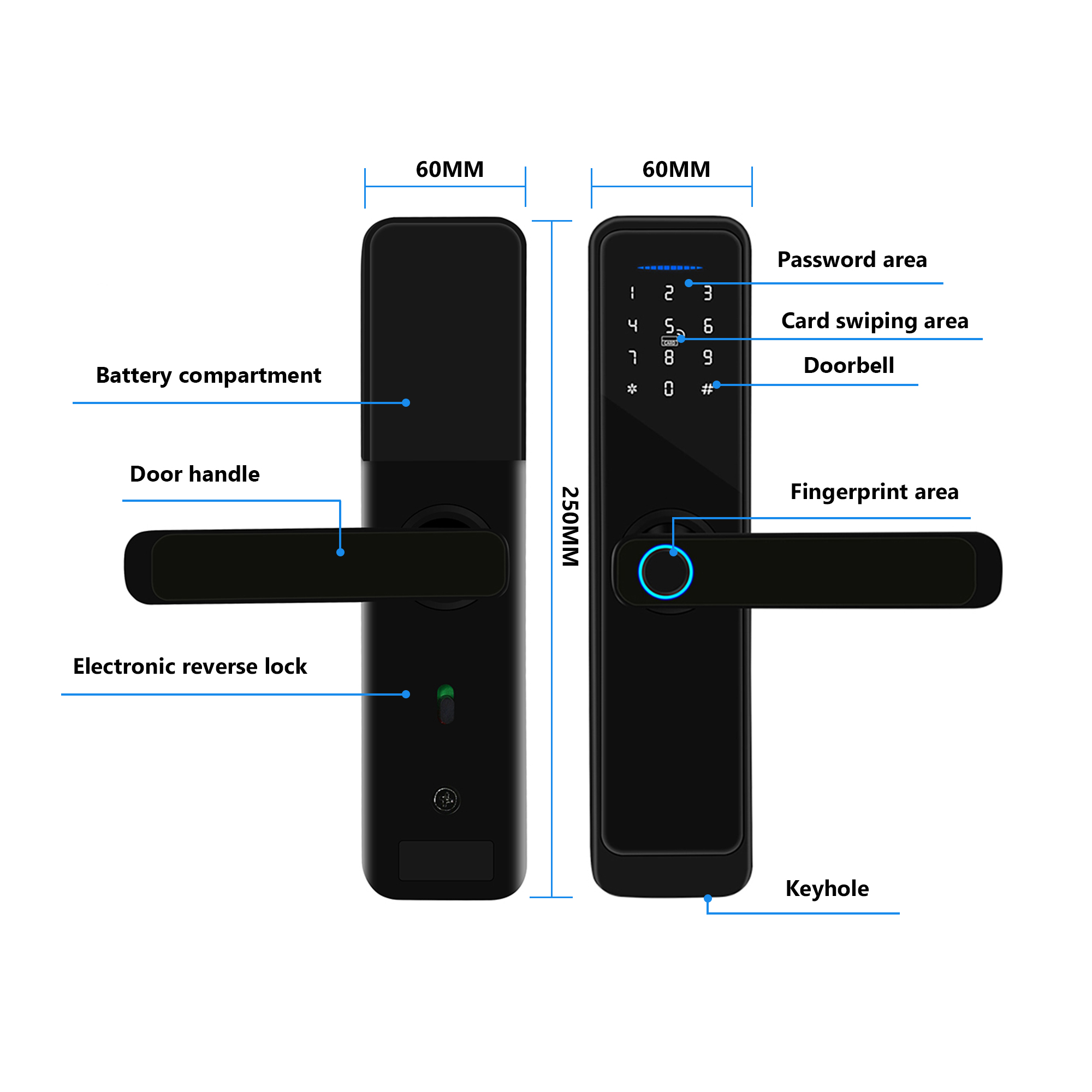
Dimensions250×60×22 mm 

MaterialAviation Aluminum
ColorBlack / Copper (Red bronze)
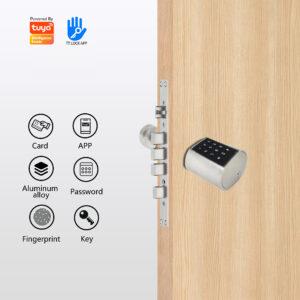
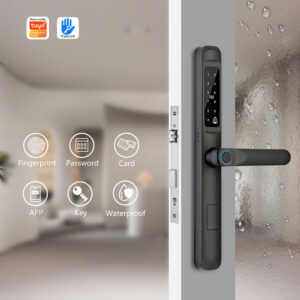
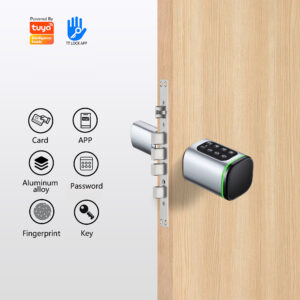
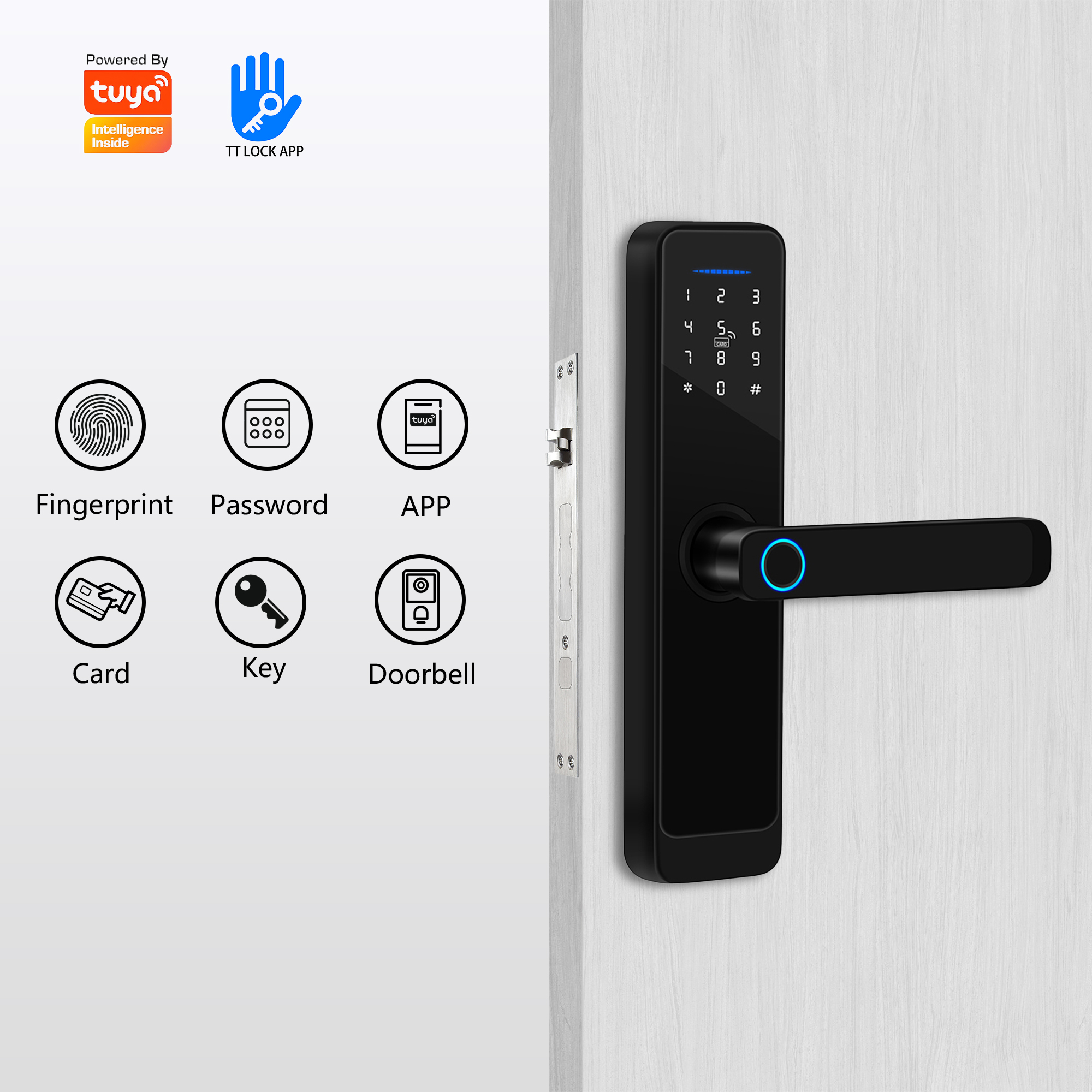
Unlock Optionsfingerprint, password, card, key,app(Optional)
Unlock Records300 unlock logs stored(0–9 administrators, 10–299 normal users)
Mechanical LifespanApproximately 100,000 normal openings
Low Battery WarningAlarm sounds upon unlocking when voltage drops below 4.8V
Opening TimeSingle time unlock is valid; if no action, auto-lock after a 6-second delay
Low-Voltage OperationAfter warning, allows 200 limited unlocks
Dynamic Power Consumption<200mA 

Static Power Consumption<50-65μA
Operating Temperature -10°C to 60°C
Relative Humidity40~80%RH
Battery RequirementNot included, 4 NO.5 dry batteries
Compatible Door Thickness50-120mm
Mortise Type5050 Standard
Mobile App ControlTT/Tuya
LanguageEight languages

Key Features:

  • Multiple Access Methods: Unlock via fingerprint, password, card, key, remote unlocking like tt lock, tuya. Offer temporary access codes for guests and service providers.
  • Advanced Security: Features military-grade encryption, anti-peep technology for PINs, and an auto-lock function to ensure your door is always secure.
  • Remote Control & Monitoring: Check your door’s status and lock or unlock it from anywhere in the world with the companion mobile app. Receive instant alerts for any activity.
  • Easy Installation: Designed to fit most standard doors, allowing for a quick and straightforward DIY installation without changing your entire door mechanism.
  • Long-Lasting Battery: Powered by standard batteries with low-battery warnings, so you’re never left locked out.


Description

Welcome to YOLOCK smart lock manufacturer in China, We provide OEM/ODM service for our customers. The smart lock that redefines convenience, security, and control for your modern home,with its sleek and durable design, YOLOCK smart door lock offers seamless keyless entry. Unlock your door instantly using your fingerprint, a secure passcode, your smartphone, or even a traditional key as a reliable backup. We have over 20 years’ experience in the R&D and sales of smart locks. Our extensive industry experience is complemented by an impressive operational scale, including a 6,000+ m² factory, 200 employees and a monthly production capacity of 20,000 units. We demonstrate continuous innovation by releasing five new product styles every month. Our quality assurance is backed by a range of comprehensive international certifications, including MA, CE, FC, RoHS, ISO and UL. Our 20+ years of export experience and flexible OEM/ODM services enable us to penetrate the global market. Our customer-first philosophy, strict quality control and commitment to on-time delivery position us as a reliable partner in the global smart lock industry.

Getting started with your smart lock

Step 1: Install in Minutes

You don’t need to be a tech expert. Setting up your smart lock is a straightforward DIY project.

  • What to do:
  1. Use the included installation template and screws to secure the inner assembly (the part that goes on the inside of your door) to your door.
  2. Align and connect the outer panel (with the keypad and fingerprint scanner) with the inner assembly.
  3. Insert the batteries. You will hear a cheerful beep, indicating the lock is powered on.
  4. Test the mechanism with the provided physical key to ensure everything moves smoothly.
  • Pro Tip: Scan the QR code in the manual for a detailed video tutorial. It makes installation as easy as following a recipe!

Step 2: Set Up Your Digital Keys

Now, let’s personalize your lock and add your family members. This is where the magic happens!

  • What to do:
  1. Download the App.
  2. Create an Account & Connect: Follow the in-app instructions to create an account. Then, use Bluetooth or connect wifi to pair them.

Step 3: Enjoy Key-Free Living

Congratulations! Your home is now smarter. Here’s how to use your lock in daily life.

  1. What to do:
  2. To Unlock: Simple press your finger on the scanner or tap the keypad to enter your PIN. The lock will disengage with a satisfying click.
  3. To Lock: From the outside, simple press the “Lock” button on the keypad. From the inside, use the manual thumb-turn.
  4. To Lock/Unlock Remotely: Open the [App Name] on your phone from anywhere in the world to check your door’s status, lock it, or unlock it for a visitor.
  5. Check the Activity Log: Open the app anytime to see a full history of who entered and when.
  • Pro Tip: Enable automatic relocking in the app. Your door will lock itself 30 seconds after being closed, so you never have to wonder, “Did I lock the door?”
滚动至顶部

Feedback Form

Fill-up The Form and Message us of your amazing question

Office Information

Completely recapitalize 24/7 communities via standards compliantmetrics whereas.

Our Office Address

501, No.50, Nanfeng Road, Sanshui District, Foshan, China

Official Work Time