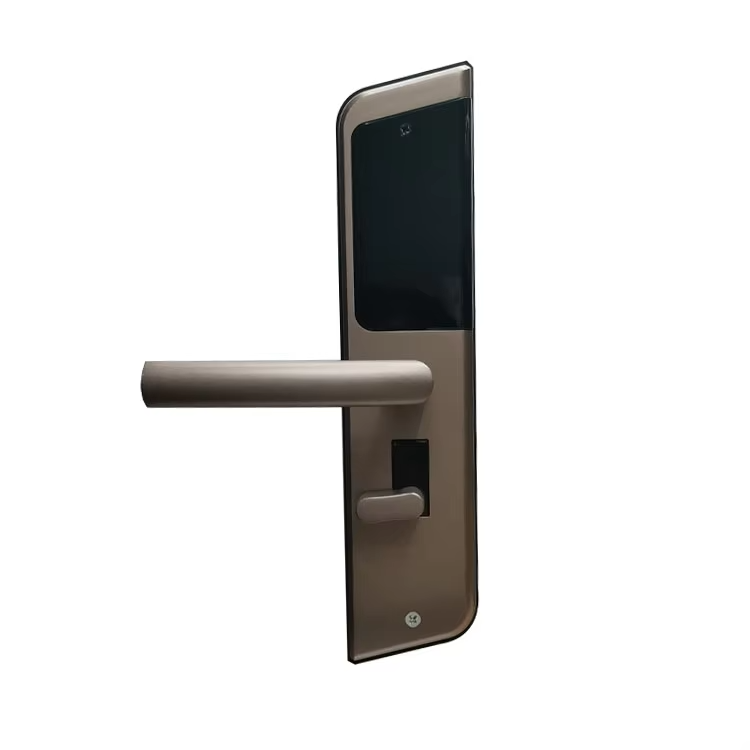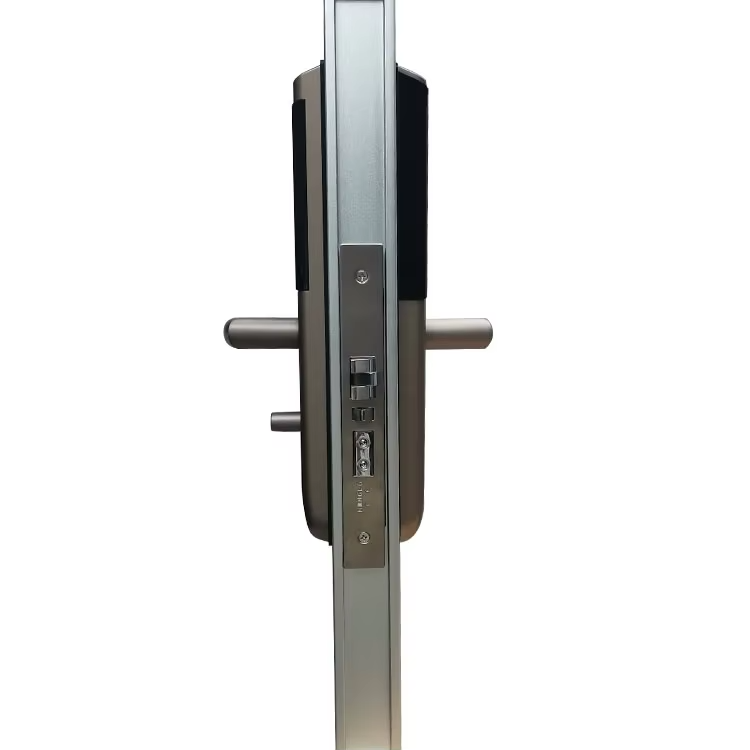
Hotel Smart Lock Manufacturer Key Password & Card Unlock

OEM & ODM Hotel Smart Lock

1. Hotel Lock OEM: Color, Logo, Package, etc.
2. Hotel Lock ODM: Unlock methods, product appearance, etc.
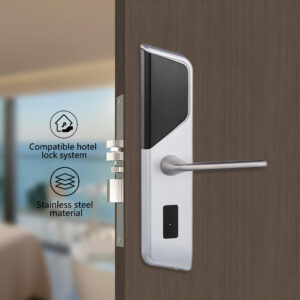
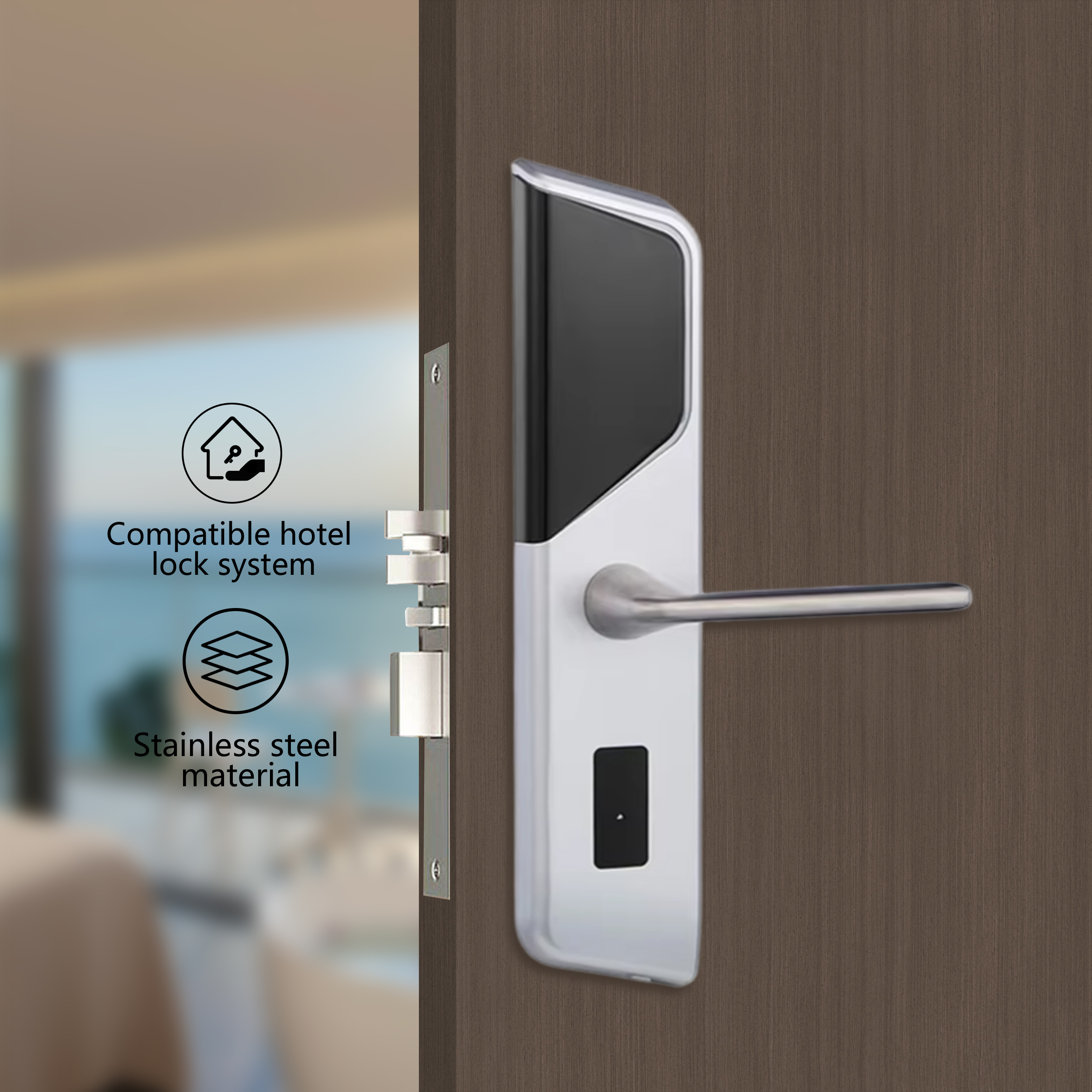
3. Smart Lock Materials: Aluminum alloy, 304 stainless steel, and others
4. Yolock’s Smart Lock: 20+ years of experience, advanced equipment, work with top suppliers, strict quality control, rich experience in brand research and development
5. More product supply: Household smart lock and relevant high-quality smart products

Products Introduction

Product Parameter


OEM/ODMColor, Logo, Product Appearance, etc. 

Materials304 Stainless Steel, Aluminum Alloy, Q235 Steel
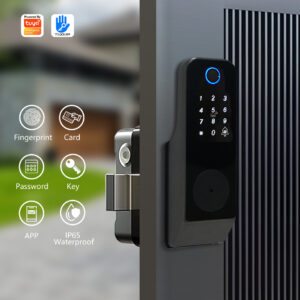
Unlock MethodsCard, Passcode, APP Control (TT Hotel)
Suitable LocationsHotels, Apartments, Guesthouses, Campuses, etc.
Applicable Card TypeMafire1 Card
Low Battery WarningAlarm sounds upon unlocking when voltage drops below 4.5V
Mechanical LifespanApproximately 10,000 continuous opening cycles under normal conditions
Low-Voltage OperationAfter warning, the door can still be opened approximately 100 times 

Dynamic Power Consumption<200mA
Static Power Consumption<30μA
Operating Temperature-20℃ to +65℃
Operating Humidity20%-90%RH

Hotel Lock Key Features:

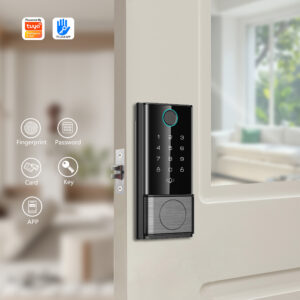
  • Multiple Access Methods: Unlock via card, PIN code, smartphone app like tt lock, and mechanical key. Offer temporary access codes for guests and service providers.
  • Advanced Security: Features military-grade encryption, anti-peep technology for PINs, and an auto-lock function to ensure your door is always secure.
  • Remote Control & Monitoring: Check your door’s status and lock or unlock it from anywhere in the world with the companion mobile app. Receive instant alerts for any activity.
  • Easy Installation: Designed to fit most standard doors, allowing for a quick and straightforward DIY installation without changing your entire door mechanism.
  • Long-Lasting Battery: Powered by standard batteries with low-battery warnings, so you’re never left locked out.
Description

We have more than 20 years of experiencein R&D and sales of smart locks.

We specialises in developing and selling intelligent locks, fingerprint locks, semi-mechanical intelligent locks, and combination locks. Our 6000-square-metre production base has passed ISO9001 certification and obtained CE, FCC and RoHS certifications.
In addition to in-house production, we collaborate with over 20 partner plants throughout the supply chain to provide a comprehensive range of lightweight, customisable services. We offer bespoke solutions in terms of design, functionality and materials, as well as ODM, OEM and private label distribution services. At the same time, our products are exported to the United States, India, Indonesia, Saudi Arabia, Brazil, Vietnam, Turkey, Egypt, Argentina, Mexico, Morocco, Colombia, the Philippines and more than 50 other countries and regions.
We adhere to the concepts of putting customers and quality first, while ensuring on-time delivery and strict quality control to provide global customers with quality products and services.

Getting started with your smart lock

Step 1: Install in Minutes

You don’t need to be a tech expert. Setting up your smart lock is a straightforward DIY project.

  • What to do:
  1. Use the included installation template and screws to secure the inner assembly (the part that goes on the inside of your door) to your door.
  2. Align and connect the outer panel (with the keypad and fingerprint scanner) with the inner assembly.
  3. Insert the batteries. You will hear a cheerful beep, indicating the lock is powered on.
  4. Test the mechanism with the provided physical key to ensure everything moves smoothly.
  • Pro Tip: Scan the QR code in the manual for a detailed video tutorial. It makes installation as easy as following a recipe!

Step 2: Set Up Your Digital Keys

Now, let’s personalize your lock and add your family members. This is where the magic happens!

  • What to do:
  1. Download the App.
  2. Create an Account & Connect: Follow the in-app instructions to create an account. Then, use Bluetooth or connect wifi to pair them.

Step 3: Enjoy Key-Free Living

Congratulations! Your home is now smarter. Here’s how to use your lock in daily life.

  1. What to do:
  2. To Unlock: Simple press your finger on the scanner or tap the keypad to enter your PIN. The lock will disengage with a satisfying click.
  3. To Lock: From the outside, simple press the “Lock” button on the keypad. From the inside, use the manual thumb-turn.
  4. To Lock/Unlock Remotely: Open the [App Name] on your phone from anywhere in the world to check your door’s status, lock it, or unlock it for a visitor.
  5. Check the Activity Log: Open the app anytime to see a full history of who entered and when.
  • Pro Tip: Enable automatic relocking in the app. Your door will lock itself 30 seconds after being closed, so you never have to wonder, “Did I lock the door?”
滚动至顶部

Feedback Form

Fill-up The Form and Message us of your amazing question

Office Information

Completely recapitalize 24/7 communities via standards compliantmetrics whereas.

Our Office Address

501, No.50, Nanfeng Road, Sanshui District, Foshan, China

Official Work Time