
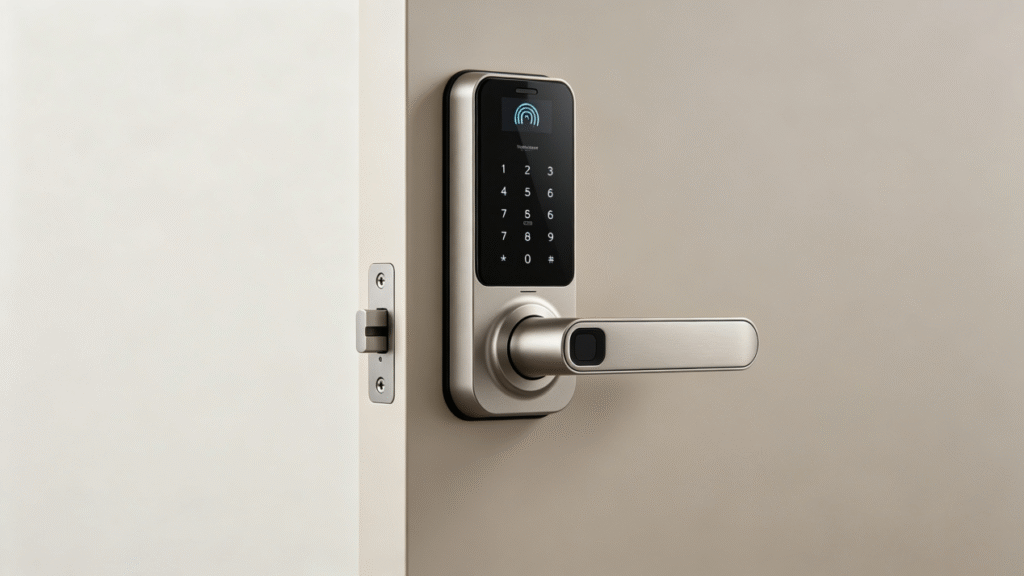
Preparations before installing the Smart Lock:
Before installing the Smart Lock, many users overlooked the issue of door compatibility, resulting in installation failures or poor user experience.
Before installation, the following points need to be confirmed:
Is the door thickness suitable (commonly 35mm – 60mm)?
Are the lock body specifications consistent (such as 6068 / 4585 lock bodies)?
Is the door opening direction (left-opening / right-opening)?
Does it have a floor-to-ceiling hook structure?
If these parameters do not match, even if you buy the best smart lock, it cannot be installed properly.
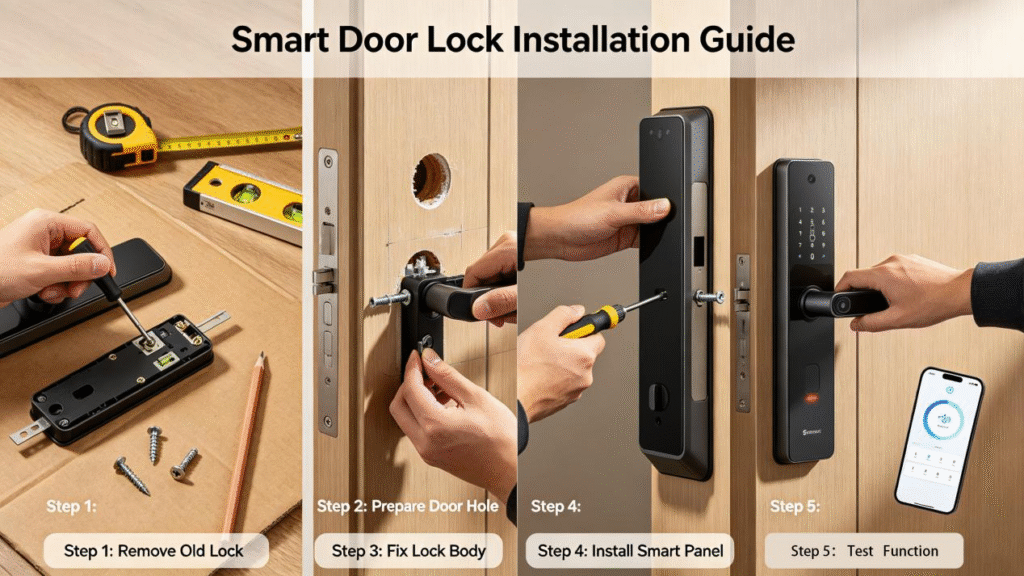
Installation Steps for Smart Locks
Step 1: Remove the Old Lock
First, remove the existing mechanical lock:
Remove the panel screws
Remove the lock cylinder and lock body
Clean the installation holes
Step 2: Install the lock body
Place the new lock body inside the door:
Align the screw holes
Fix the lock body
Test if the lock tongue moves smoothly
Step 3: Install the front and rear panels
The front panel (with fingerprint/password) is installed outside the door
The rear panel is installed inside the door
Connect the wiring and fix it
Step 4: Power-on test
After inserting the battery:
Test fingerprint unlocking
Set the administrator password
Check if the door can be opened and closed normally
Smart Lock Usage Tips: Enhancing Experience and Security
After installation, many users do not use the smart lock correctly. Here are a few key tips for you:
1. Set multiple unlocking methods
Suggested settings:
Fingerprint + Password + IC Card
Prevent failure of a single method
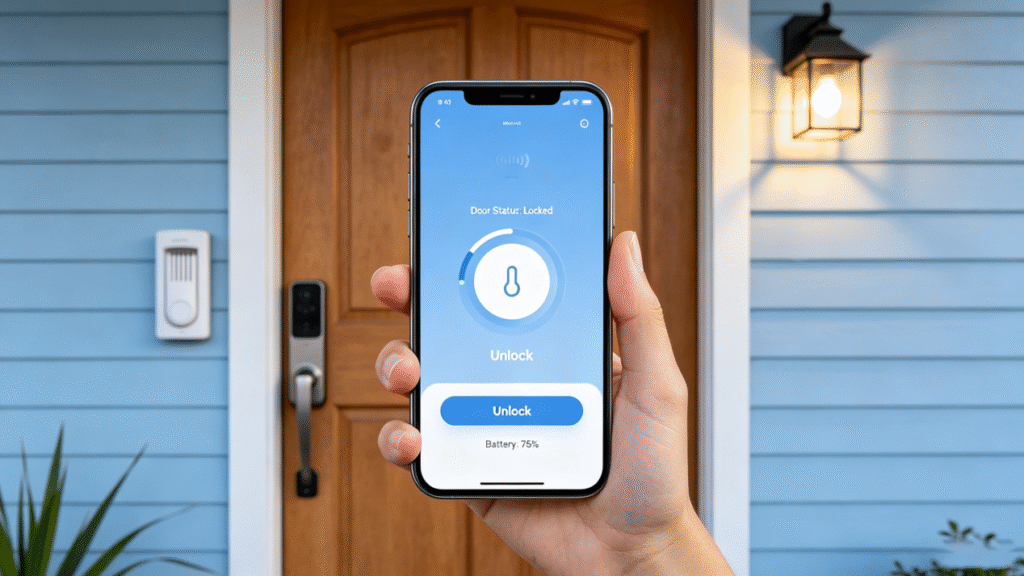
2. Use temporary password (suitable for rental properties)
For Airbnb or rental scenarios:
Can generate one-time passwords
Expires automatically upon expiration
No need to hand over keys
3. Change passwords regularly
Enhances security:
Replace it every 3 months.
Avoid using simple numbers (such as 123456)
Common Issues Solved (Smart Lock FAQ)
Question 1: What should I do if the smart lock runs out of power?
Solution:
Use Type-C or 9V battery for emergency power supply
Replace the battery in advance (low battery alert)
Problem 2: Fingerprint recognition is not sensitive?
Possible reasons:
Fingers are either too dry or too wet.
The fingerprint entry is incomplete.
It is recommended to re-enter the fingerprint.
Question 3: The door won’t close or is stuck?
Usually:
The lock body is not aligned.
There is a deviation in the hole position of the door frame.
The installation position needs to be re-adjusted.
How to Choose the Right Smart Lock for Yourself
Different users are suitable for different types of smart locks:
Home users → Basic model with fingerprint and password
Renters/Hostels → With APP for remote control
High-end users → Fully automatic + door magnetic sensor
Choosing the right product is more important than the price.
Summary
For beginners, the correct installation and use of Smart Lock is extremely crucial. As long as you confirm the door parameters before installation, follow the steps properly, and set the functions reasonably, you can significantly enhance the usage experience and security.