
Meta Description
Discover the five most common smart lock unlock methods—fingerprint, PIN code, app control, RFID card, and mechanical key—and learn which option best fits your home, office, apartment, or rental property.
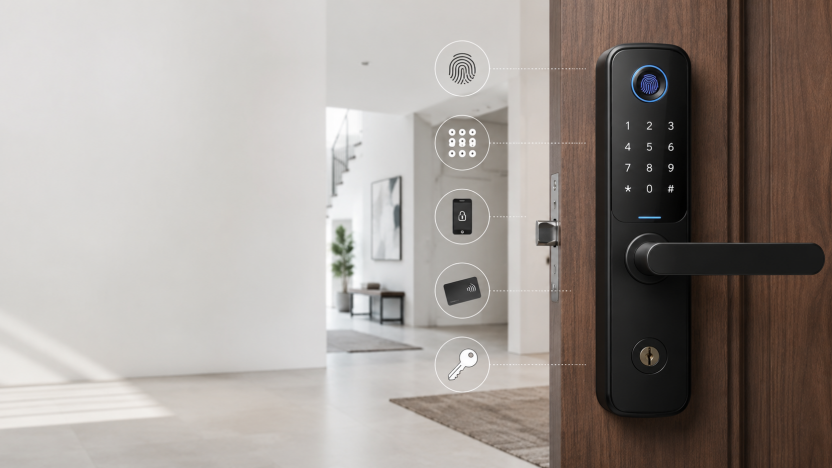
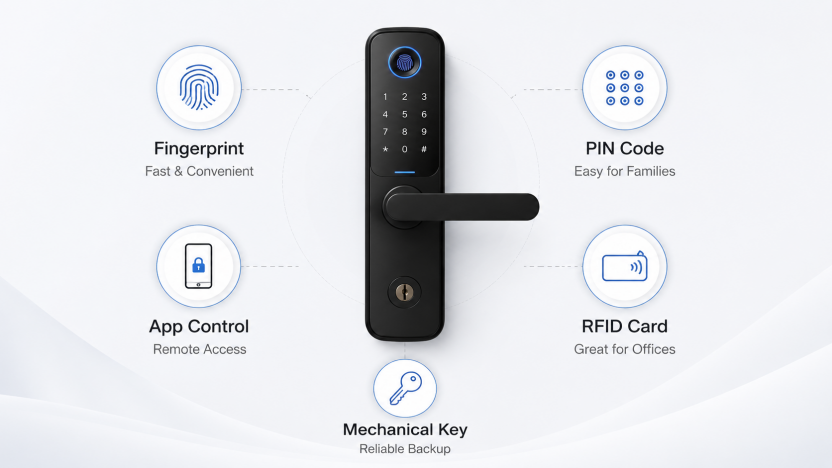
Smart locks are becoming an essential part of modern home security. Instead of relying only on a traditional key, today’s smart door locks offer multiple unlock methods, including fingerprint recognition, PIN code entry, mobile app control, RFID card access, and mechanical key backup. Each unlock method has its own advantages, and the best choice depends on your daily habits, property type, security needs, and the people who use the door.
For homeowners, convenience may be the top priority. For offices, fast access management matters more. For apartments, easy installation and simple sharing may be important. For Airbnb hosts or rental property managers, temporary passwords and remote access can make daily operation much easier. In this smart lock guide, we will compare the five most popular unlock methods and help you decide which one is best for your situation.
Fingerprint Smart Lock: Fast and Convenient Daily Access
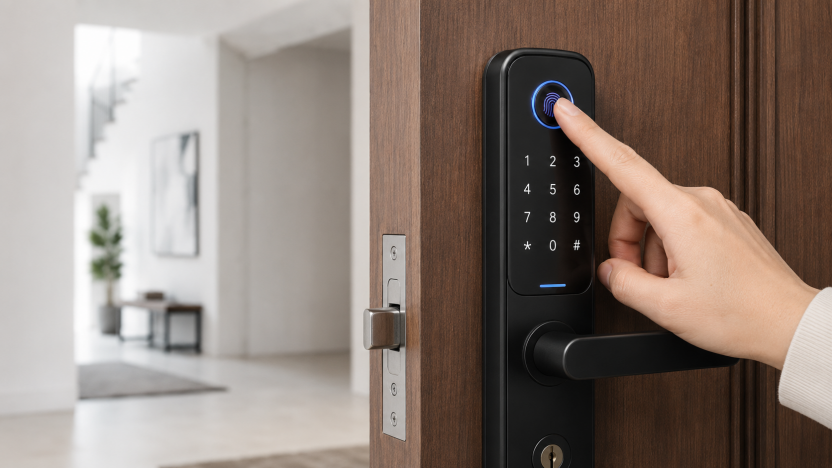
A fingerprint smart lock is one of the most convenient options for everyday use. Instead of carrying a key or remembering a password, users can unlock the door with one touch. This makes fingerprint unlocking especially useful for family homes, apartments, and private offices where the same users enter frequently.
The main benefit of fingerprint access is speed. A good fingerprint door lock can unlock within seconds, making it ideal when your hands are full with groceries, bags, or work equipment. It also reduces the risk of lost keys because your fingerprint is always with you.
Fingerprint smart locks are also suitable for families because parents, children, and elderly users can all register their fingerprints. However, users should remember that fingerprint performance may be affected by wet, dirty, or damaged fingers. That is why a smart lock with multiple unlock methods is usually better than a lock that depends on fingerprint access only.
Best for: homes, apartments, family doors, private rooms, and daily-use entrances.
PIN Code Smart Lock: Easy Access for Families and Guests
A PIN code smart lock allows users to unlock the door by entering a password on the keypad. This is one of the most popular unlock methods because it is simple, familiar, and easy to share.
For families, a PIN code is useful because everyone can remember the same password or use individual codes. For rental properties, temporary PIN codes are even more valuable. Property owners can create a temporary password for guests, cleaners, maintenance workers, or delivery access. After the allowed time ends, the code can be deleted or changed.
Another important feature is the anti-peep password function. With this feature, users can enter random digits before or after the real password to prevent others from seeing the correct code. For example, if the real code is 2580, the user can enter 913258047 and still unlock the door, as long as the correct sequence is included.
PIN code access is convenient, but it requires good password habits. Avoid using simple combinations such as 123456, birthdays, phone numbers, or repeated digits. A stronger code can improve security and reduce the risk of guessing.
Best for: families, apartments, Airbnb, rental properties, and shared access scenarios.
App-Controlled Smart Lock: Remote Access and Smart Management
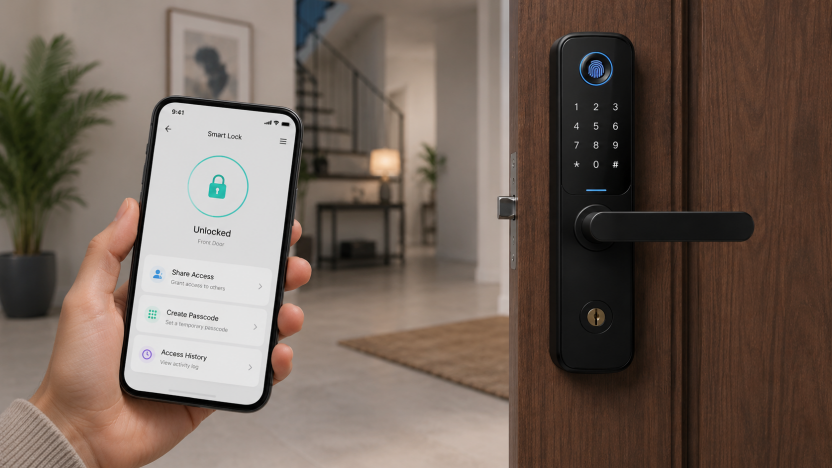
App control is one of the biggest reasons people choose a smart lock. With a mobile app, users can manage the lock from a smartphone, create temporary passwords, check unlock records, and in some cases unlock the door remotely.
This unlock method is especially useful for people who manage access for others. For example, a homeowner can give a temporary code to a visitor. A landlord can manage tenant access. A small business owner can check when employees enter the office. A rental host can create different access codes for different guests.
Some smart lock apps also support access history, low-battery reminders, user management, and remote authorization. These features make the smart lock more than just a door lock—it becomes part of a complete access control system.
However, app control usually depends on Bluetooth, Wi-Fi, or a gateway, depending on the model. Before buying, users should check whether the lock supports remote unlocking directly or requires an additional gateway. They should also make sure the app is compatible with their phone system and local smart home ecosystem.
Best for: rental properties, offices, Airbnb hosts, smart homes, and users who need remote access management.
RFID Card Smart Lock: Great for Offices, Hotels, and Shared Spaces
RFID card access is another practical unlock method. Instead of entering a password or using a phone, users simply tap a card near the lock to open the door. This is fast, easy, and very suitable for commercial or shared environments.
RFID card smart locks are commonly used in hotels, offices, dormitories, gyms, warehouses, and apartment buildings. The biggest advantage is that cards can be issued, collected, and replaced easily. If someone loses a card, the administrator can remove that card from the system without replacing the entire lock.
For elderly users or children who may not be comfortable with apps or passwords, RFID cards can also be a simple solution. The user only needs to carry the card and tap it on the lock.
The main weakness is that cards can be lost or borrowed by others. Therefore, RFID cards are best used together with other unlock methods, such as fingerprint or PIN code access.
Best for: offices, hotels, apartments, dormitories, shared spaces, and commercial doors.
Mechanical Key Backup: Reliable Emergency Access
Even the most advanced smart lock should still include a mechanical key backup. This traditional unlock method is important for emergencies, such as battery failure, electronic malfunction, or situations where other access methods are temporarily unavailable.
A mechanical key is not usually the main unlock method for a smart lock, but it provides peace of mind. If the battery runs out and emergency power is not available, the key can still open the door. For this reason, users should keep the backup key in a safe place outside the locked area, such as with a trusted family member or in a secure backup location.
When choosing a smart lock, it is also worth checking whether the key cylinder is hidden or protected. A well-designed lock should combine modern digital access with reliable physical security.
Best for: emergency use, backup access, and users who want extra security assurance.
Which Smart Lock Unlock Method Is Best for You?
The best smart lock unlock method depends on how and where the lock will be used. For daily home use, fingerprint unlocking is usually the fastest and most convenient. For families and guests, PIN code access is simple and practical. For rental properties and smart homes, app control offers better management and flexibility. For offices and shared spaces, RFID cards are efficient and easy to distribute. For emergencies, a mechanical key remains essential.
In most cases, the best choice is not one single unlock method, but a smart lock that supports all five methods. A five-in-one smart lock gives users more flexibility, better convenience, and stronger backup protection. Whether you are securing a home, apartment, office, or rental property, multiple unlock methods make access easier while keeping your door protected.
Conclusion
A modern smart lock should match the real needs of its users. Fingerprint access is fast, PIN codes are easy to share, app control is powerful for remote management, RFID cards are ideal for commercial spaces, and mechanical keys provide reliable backup. By understanding the strengths of each unlock method, you can choose a smart lock that delivers both convenience and security.
For most homes and businesses, a multi-function smart lock with fingerprint, PIN code, app, RFID card, and mechanical key access is the most practical solution. It allows different users to unlock the door in different ways while keeping control in the hands of the owner.
https://yolocktech.com/household-smart-lock/facialrecognition/