

Abstract
Smart lock backup access becomes essential when Wi-Fi drops, a cloud service becomes unavailable, or a smartphone runs out of battery. These situations affect different parts of the access system, so one backup method cannot solve every problem. A lock may still accept an enrolled fingerprint, card, or locally validated PIN while remote unlocking and online management remain unavailable. However, scheduled credentials and app access can behave differently depending on the model and platform. If the lock itself loses battery power, electronic credentials need a supported emergency power source, or users must rely on a mechanical key where fitted. For homeowners, rental managers, and hotel operators, reliable access starts with understanding these dependencies before installation. This article explains offline smart lock operation, phone independent entry, emergency power, and practical backup planning. It also outlines what buyers should confirm with suppliers so that convenience features are supported by usable alternatives when technology stops working at the door and help is unavailable.
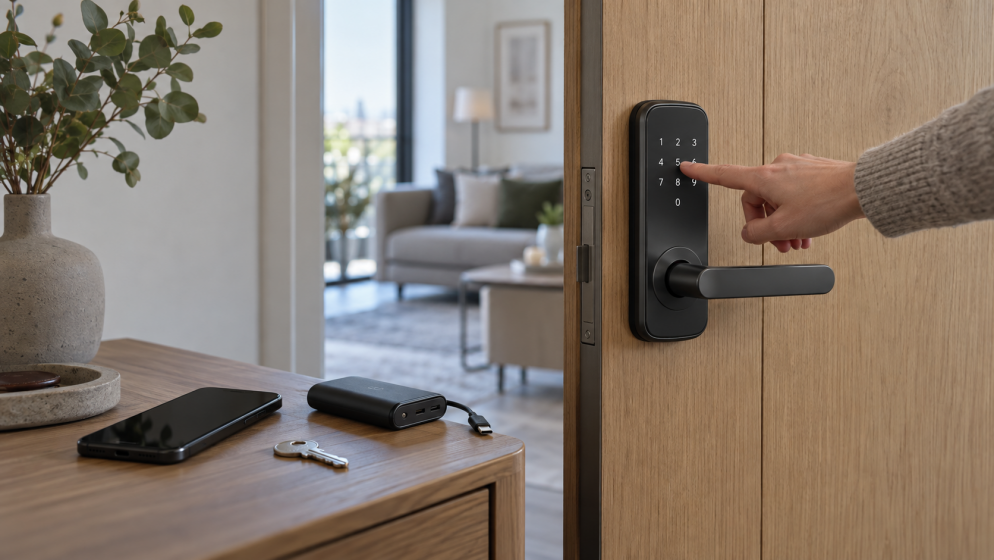
Smart Lock Without Wi-Fi What Still Works
An internet outage does not necessarily disable a battery powered smart lock. On models that validate credentials locally, an enrolled fingerprint, card, or PIN can still provide entry while the lock has power. Bluetooth access may also remain available, depending on the app and its authentication requirements.
Remote unlocking, new credential delivery, and online activity updates may be interrupted. Ask suppliers which functions work offline rather than relying on a general claim that a lock supports offline access.
Cloud Service Failure and Offline Smart Lock Passwords
A working router cannot compensate for an unavailable cloud platform. Functions that depend on that platform may fail even when the building has internet access.
Temporary and scheduled passwords deserve particular attention. Schlage, for example, states that only codes active when certain locks lose Wi-Fi continue working; scheduled functionality resumes after reconnection. This illustrates why buyers should verify when credentials become active, where they are validated, and how expiration behaves offline. Never assume every temporary password remains usable during an outage.
Smart Lock Access When Your Phone Battery Dies
A dead smartphone removes access to phone based unlocking, even if the lock and network work normally. A keypad PIN, enrolled fingerprint, or issued card can provide an independent alternative when supported by the model.
For rentals, give guests clear backup instructions before arrival. For hotels, keep a defined procedure for issuing replacement cards and verifying guest identity. A backup credential should preserve the intended access period and permissions. Avoid sharing a permanent administrator code as a convenient substitute for individual guest access.
Emergency Power and Mechanical Key Backup for Smart Locks
A depleted lock battery is a separate problem: a keypad or fingerprint reader still needs electricity. Some locks accept temporary external power through USB-C; others use external battery contacts. Yale documents both approaches across different models.
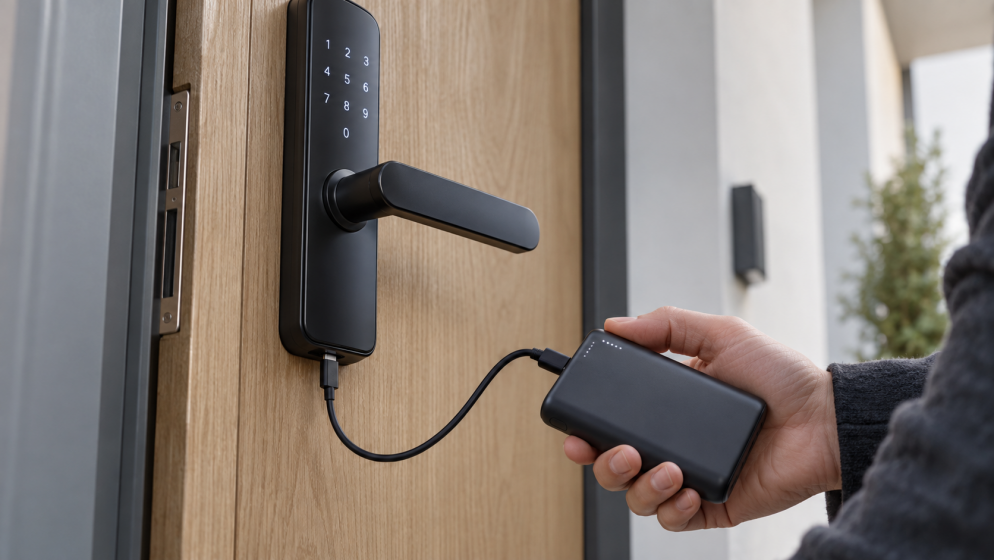
Use only the connection and supply specified in the manual. Emergency power restores electrical operation; it does not remove the need for an authorized credential or necessarily recharge the internal battery. Where fitted, a mechanical key offers another entry route. Keep it accessible outside the locked property, and respond promptly to low battery warnings.
Conclusion
Reliable smart lock backup access comes from matching alternatives to specific failures. Before buying, confirm offline credentials, cloud dependencies, emergency power, and key availability for the exact model. Test supported backups with the door open, then give residents or staff simple instructions. For a Yolock project, request model specific confirmation of these functions before selecting the configuration.
References
Schlage guidance on scheduled codes offline